Process Online Payment
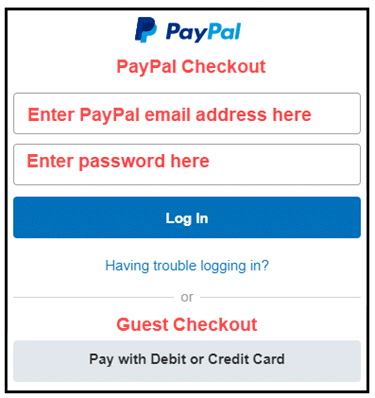
We use PayPal, the secure, simple and fast way to pay online. You may pay with your PayPal
account or Checkout as a Guest and pay with any major debit or credit card.
To make the payment for your item online please press the Process Online Payment button above.
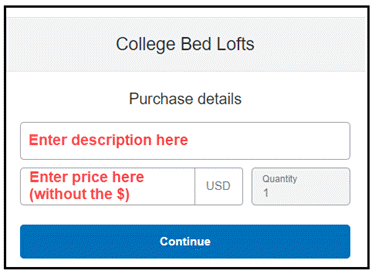
It will then display a new page where you will enter the Description and Price (without the dollar $ sign) and then press Continue.
You may then pay with your PayPal account or Checkout as a Guest and pay with any major debit or credit card.
Need more time to Pay? At checkout you will get an option to use PayPal Credit.
Please Note: This online process might not work properly on some older cell phone browsers. If you have a problem please use the browser on a computer, laptop iPad or tablet.
Phone Order: We also accept debit and credit card payments over the phone. For phone orders please call us at 607-739-2331 Monday - Friday 9:00 am - 4:00 pm eastern time.
Sample Purchase Details Screen
Sample Payment Screen